Bridge — SAP Employee Dashboard
Designed Bridge — a unified launchpad reclaiming lost productivity from fragmented internal workflows at SAP.
Bridge — SAP Employee Dashboard
Bridge is the SAP Employee Dashboard to connect the dots of our workday for both work and life.
Employee could see the comprehensive view of everything that touch the workday — life and work, from the morning commute, lunch of the day all the way to project progress and development status.
Bridge is an internal tools, however it is one of the projects that brought me the most satisfaction. The satisfactions was not from the big brand names of customers, but from the dozens of “thank you” emails that were pouring into our team email during our first month of launch. Proud to be in the team and led the UX design.
HOW IT STARTED?
THE PAIN
We have over 80 web tools internally to support the product development and daily work. The overall using experience of daily tools are fragmented, disconnected. Some of the tools become such a chore that employees started to avoid them which brought in compliance and productivity issues.
Bridge was initiated to bridge the gaps, to provide a single access point to most (if not all) of employee’s daily tools (web applications).
FIND THE MOST IMPACTFUL
Among the pains of using internal tools, there is one chore that touches every single employee on a weekly basis. It is to log in our working hours in to CAT2, the standard SAPGUI system. The system is so non-intuitive that as new hires we all have received a several pages long instructions to use it. It is so hard to use that employee often delay the entries weeks to months until they were “forced” to make it up to date.
Bridge beautifully solved the time entry problem through interactive web interface, which greatly contribute to its quick adoption globally.
EVERYONE IS THE OWNER
Bridge is build on SAP internal GitHub, not only code all discussion from design to technical was happening in GitHub. Some of our early adopters quickly took their ownership of the new tool and contributed to our discussion and even development.
WHAT I DID?
THE CONTEXT AND PROCESS
I was brought in the project after the first version was delivered (as the screenshot below), which aimed to address the three values mentioned. I love the tool, at the same time saw lots of opportunities to rethink the user experience.
This project lived entirely in GitHub, from product/design discussion to implementation and bug fixing, to provide full transparency to any colleague interested to contribute globally. As a result, the design process (or more of design delivery process) is handled a little uniquely. Here is what happened:
- I sketched out the user journey and then had a cognitive walk through of the product. The goals was to identify** touch points** and design opportunities.
- I created an GitHub issues — re-Design Topics and Goals, and had a conference call with the product owner and dev team to get their buy-in. The topics listed were:
- Extendability as the product grow — how to organize the dashboard and the tile library.
- Usability of overgrown search based tiles — consolidate search needs
- Usability of weather based app background—redesign visual for weather
- Be more inviting to contributors and collaborators
- Visual cleanup
- I start to post design details via Slack and via creating separated issues for each topic we agreed on, as design progressing.
- Design get implemented quickly as they are signed-off by stakeholders via GitHub issues.
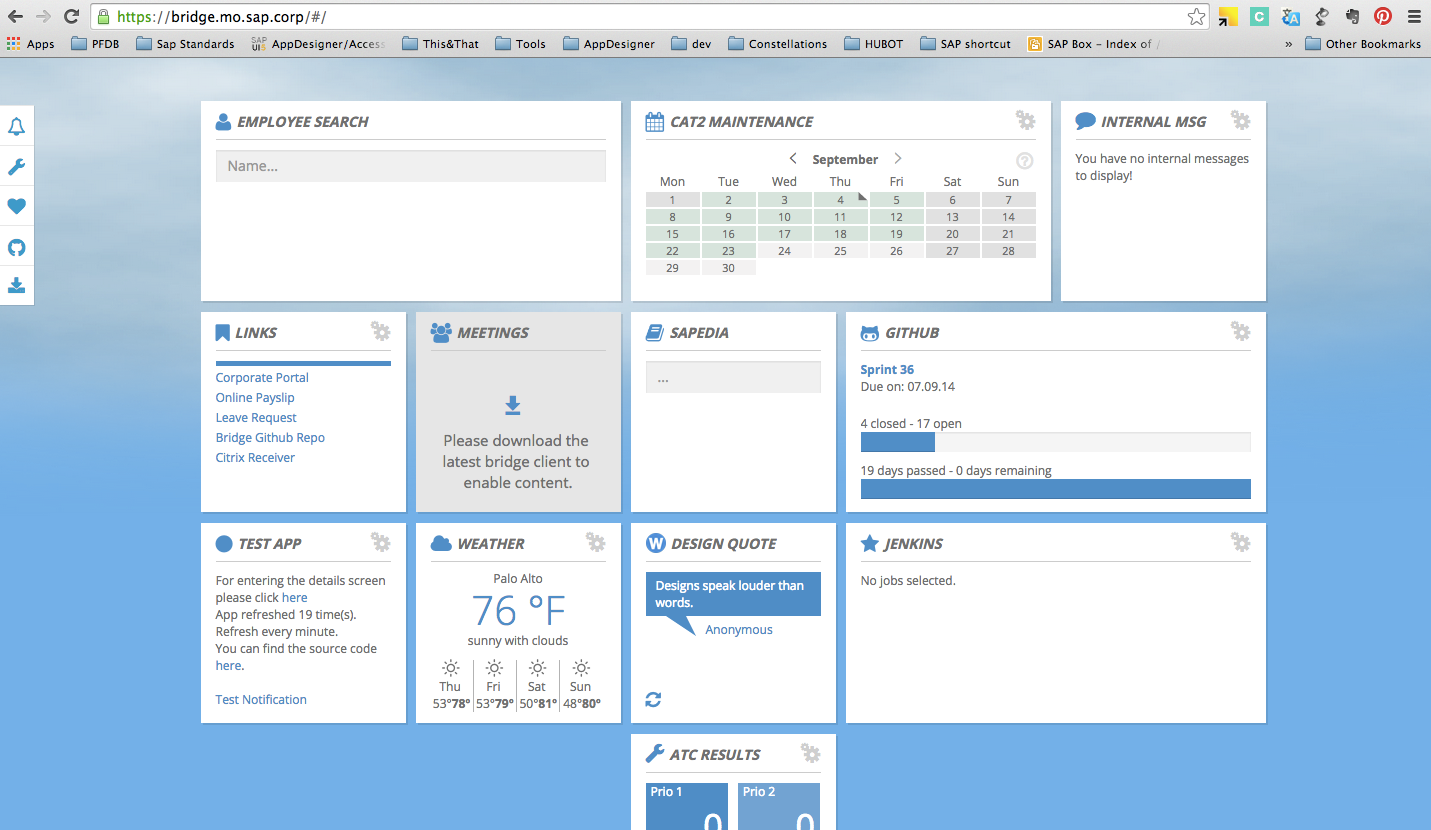 Bridge before redesign
THE NEW DESIGN
THINK BEYOND BRIDGING INTERNAL TOOLS
Spotlight like search function
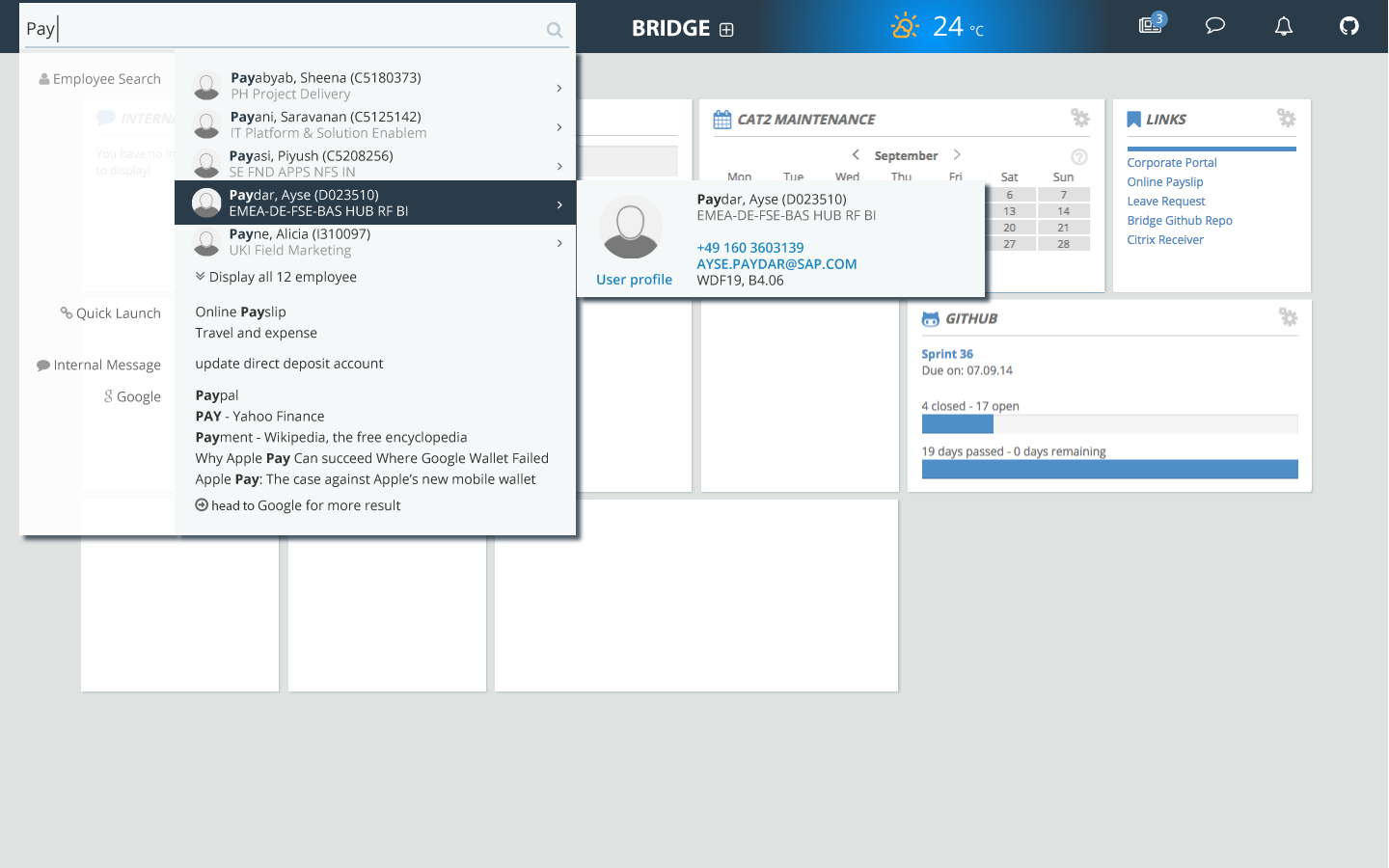
Needs met, elegantly
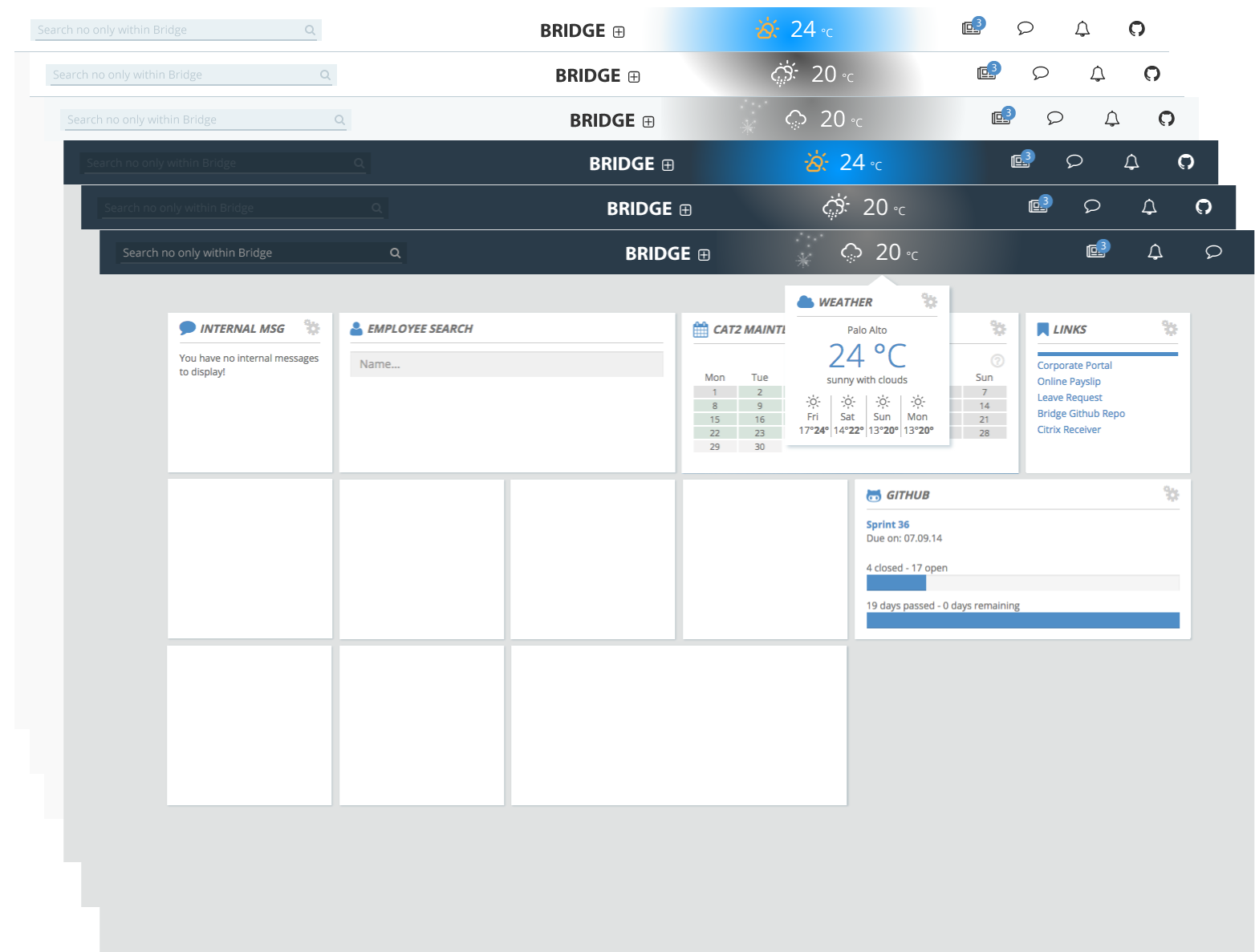
Easy customization — WYSIWYG
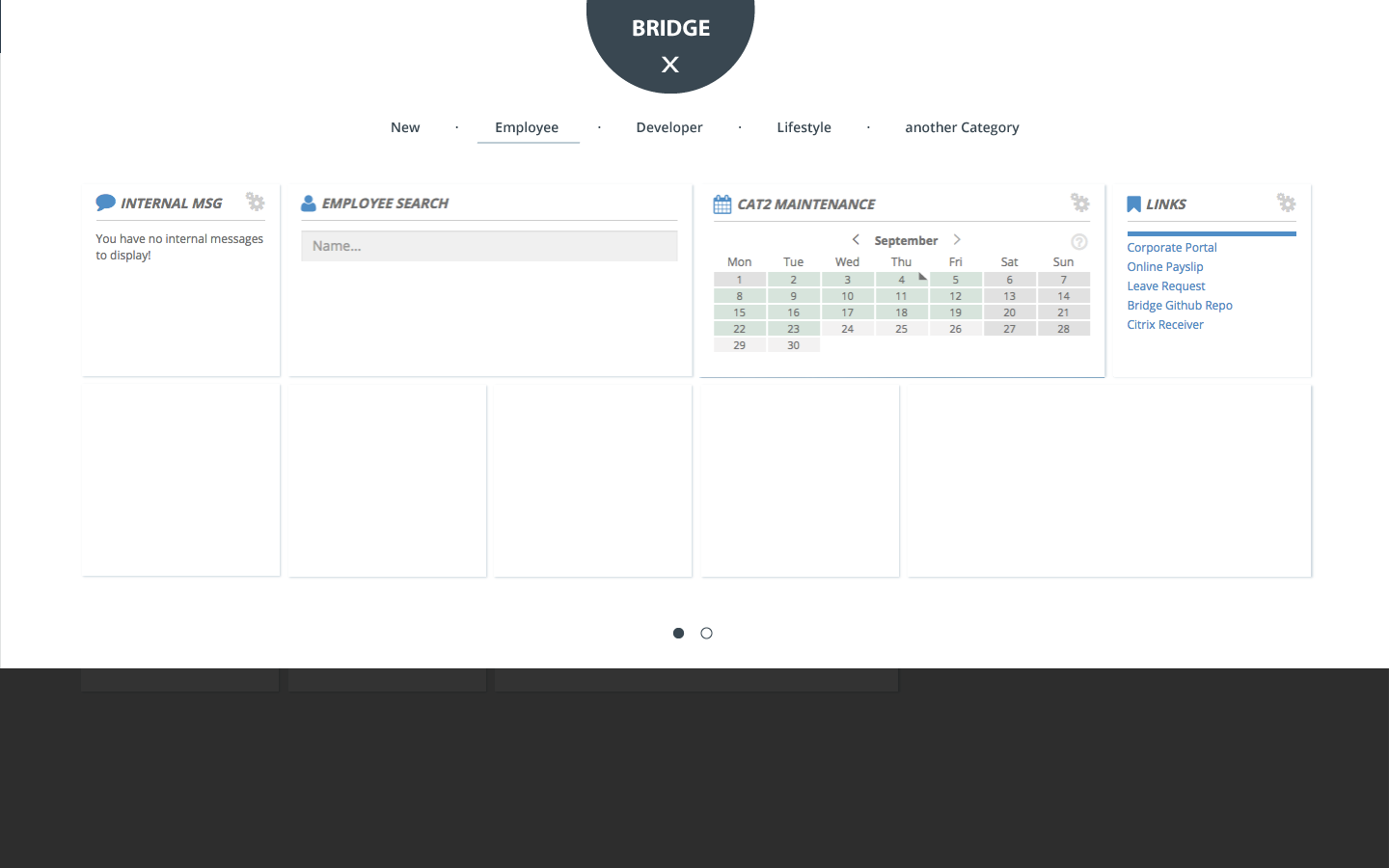
The list goes on …
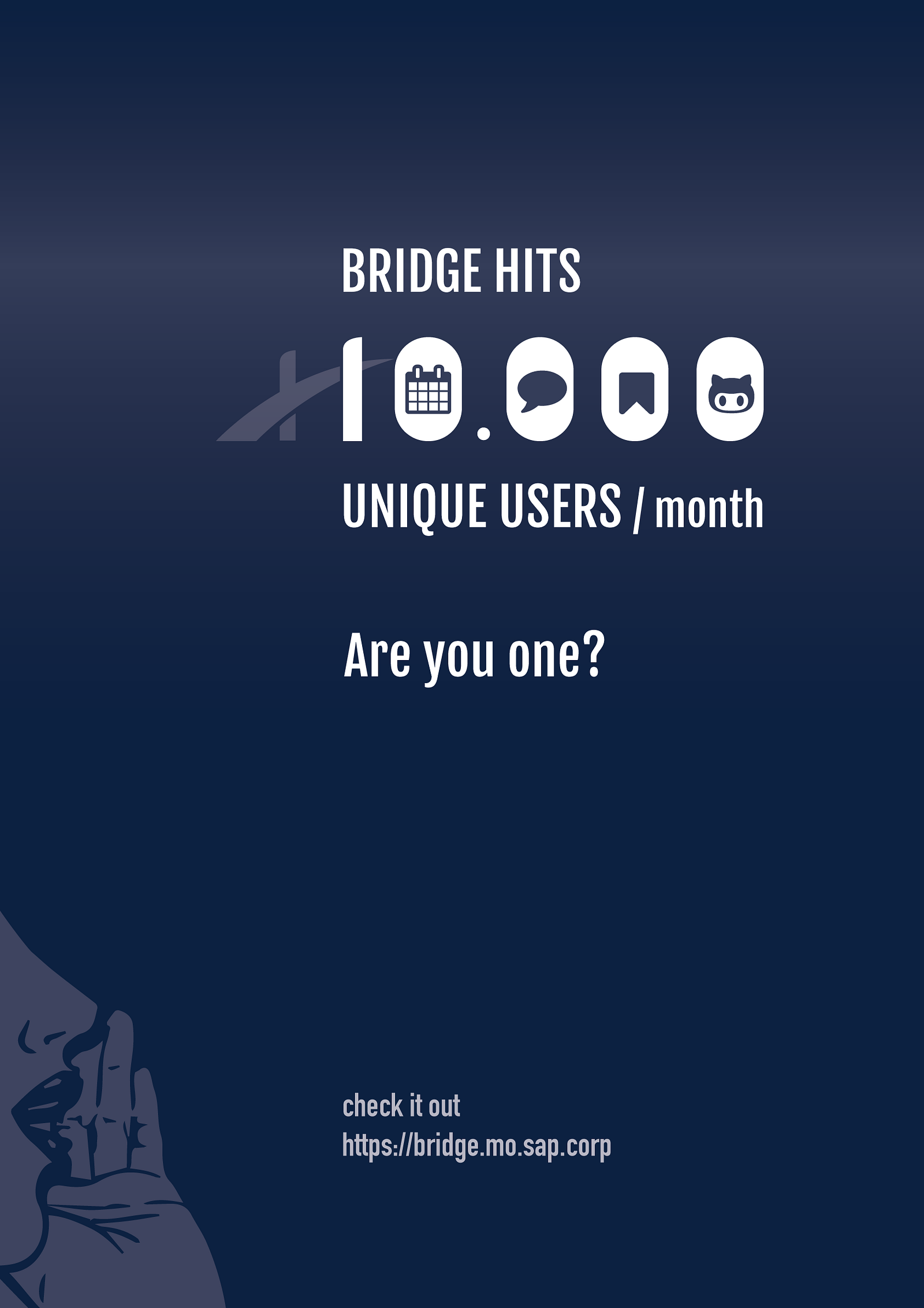
POSTER FOR 10,000 unique users/month
Bridge touches the user pain points and received quick adoption. At April 2015, we hits 10,000 unique users/month. I designed the poster below, to celebrate our success and more importantly to spread the words using the power of number.
The message behind the poster: inspire curiosity, build trust through solid number and call for action.